Adding a line
Use this page to add an expected line (SKU and planned quantity) to a saved receipt.
Before you start
- The receipt is saved and its status is
OpenorInProgress. TheNewbutton is grey when the receipt isOnHold,ClosedorCancelled. - The SKU exists for the owner of the receipt.
- You need the web action
receipt_detail_pre_saveand the API rightcreate_receipt_detail. By default onlyADMINandMANAGERhave both.OPERATORhas the API right but not the action. See Who can do what.
Steps
- Open the receipt.
- In the lines list click
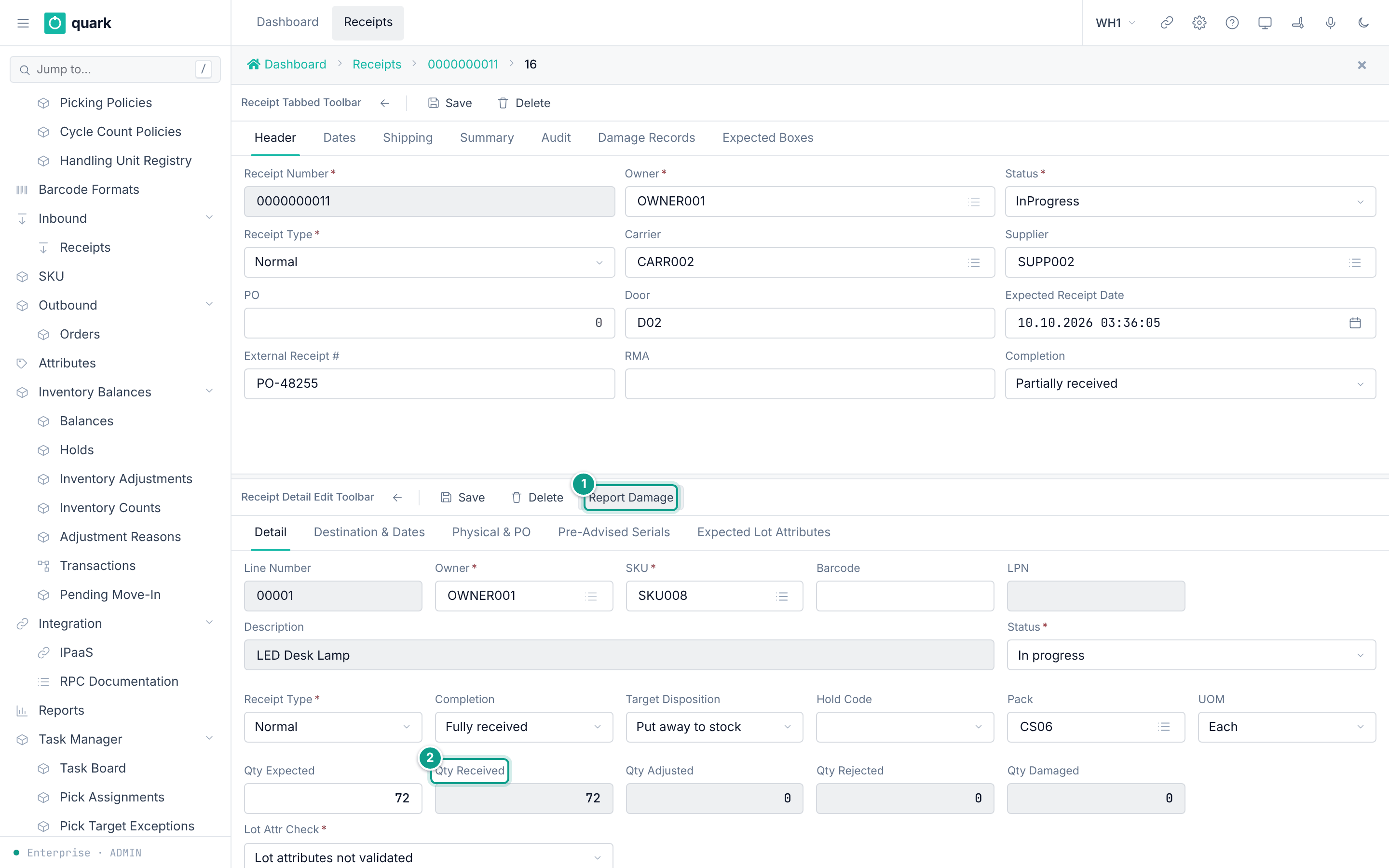
New. The line card opens.Line Numberis filled (00001,00002, ...).Owner,Receipt TypeandStatusare copied from the receipt. - On the tab
Detailpick theSKU. - Type
Qty Expected. - Optional: change
PackandUOM. If you leave them empty,Savefills them from the SKU. - Optional: fill the tabs
Destination & DatesandPhysical & PO. - Click
Save. The screen goes back to the lines list. - Optional: add expected lot attributes (see Adding expected lot attributes). The line must be saved first.
What changes
| What | Change |
|---|---|
Table receipt_detail | One new row: status Open, completion Pending, all received quantities 0, lot_attr_check_mode Disabled, target_disposition Stock. |
| The line number | Taken from the counter receipt_line_number of this receipt, five digits. |
| The header | Not changed. The completion of the receipt is not recalculated. |
| Inventory | Nothing changes. Goods are received later. |
What can go wrong
| Message | Meaning | Fix |
|---|---|---|
Owner id is required, Sku is required | A required field is empty. | Fill it. |
Specify either qty_expected (ASN promise) or qty_received (physical receive) — both cannot be empty. | Qty Expected is empty or 0. | Type a quantity. |
SKU {code} not found for owner {id} | The SKU is not a SKU of this owner. | Pick another SKU. |
receipt {id} is {status} — cannot add receipt line in its current lifecycle state | The receipt is OnHold, Closed or Cancelled. | Release the hold, or use another receipt. |
a planned line starts with nothing done — status cannot be set when planning (got InProgress) | See the note below. |
Not confirmed by code: that adding a line to a receipt in status
InProgressfails. TheNewbutton copies the status of the receipt into the new line (binding of the buttonrcd_dn,parent_copy_fields=status,receipt_type,owner_id). The server accepts a new line only with statusOpen(crates/libs/wms-inbound/src/service/receipt/planning/add_receipt_line_plan.rs:143-171). To verify: receive part of one line so the receipt isInProgress, pressNewin the lines list, fillSKUandQty Expected, pressSave. If the message above appears, a line can be added to a receipt in progress only through the API.
Related pages
- Line detail tab
- Receipt lines list
- Editing and deleting lines
- Messages catalogue
- API:
create_receipt_detail. The optional parameterexpected_lpnnames the supplier pallet. - RF terminal: none. The RF terminal does not add lines to a receipt. A scan of a SKU that is not on the receipt creates a line when the policy allows (see Receiving a line).